Industry skills pack – further detail
My desired skillset:
. Strong drawing and sketching skills – As a concept artist you’ll need to communicate ideas quickly and clearly through sketches, whether it’s characters, environments, props, or vehicles.
. Understanding of various 2D software’s – Being able to know how to use multiple 2D software’s to help create concepts can be useful as some job roles could be specific about what software’s they use.
. Understanding of proportion and anatomy – Crucial for designing believable characters and creatures. Even exaggerated or stylized designs rely on an understanding of real anatomy.
. Basic/advanced 3D knowledge – Speeds up design iteration, helps with complex perspectives, and is often used for overpaints or base modelling in production.
. Visual storytelling – Concept art is about telling stories visually. Even a weapon or prop can suggest a character’s history or world.
. Strong communication skills – Are required for job roles where you have to work in large teams
. Cultural and Historical knowledge – Knowledge about cultures and historical things are crucial for concept artist as they tend to use many cultures as reference or inspiration for their design so actually having knowledge about what you are using as inspiration is crucial.
Ways to present myself professionally
Gaining a strong online presence for the profession I would like to do is a good way to present myself professionally. uploading more of my work/concepts on places like Art Station, LinkedIn and my portfolio website will help build my online presence as well as polish my portfolio for future job roles.
Companies
. Square Enix:
software – Adobe photoshop and illustrator, Crystal Tools, Luminous Engine, OROCHI 4, Autodesk Maya, Autodesk Motion Builder, Flow (Shot Grid), Red Hat Enterprise Linux, Ansible, NVIDIA Game Works.
hardware – High-performance PCs with NVIDIA GTX TITAN X GPUs
Square Enix uses both 2D and 3D in their work so the list of software’s and hardware’s are a lot longer than other companies.
Themes, styles and techniques:
Adapting both 3D and 2D styles , their themes tend to range between what animation or game it is for.
. D’art shtajio:
software – Adobe photoshop and illustrator, Toon Boom Harmony, Toon Boom Storyboard Pro.
hardware – High-performance workstations
D’art shtajio is an animation company that specialises in 2D hand drawn animations they don’t use any 3D software’s in their processes.
Themes, styles and techniques:
The theme for d’art shtajio is an anime theme where they tend to use the style of their top artist ReJean DuBois. They use traditional 2D animation hand drawn techniques that is popular in the anime industry.
. Kojima Productions:
software – Decima Engine, Unreal Engine 5
hardware – High-performance workstations
As Kojima productions tends to use more 3D than 2d the software’s they use the most are 3D software’s but they would most likely use adobe photoshop or illustrator for cover art.
Themes, styles and techniques:
Kojima tends to go for a 3D realistic theme and style in both the anime and game industry’s.
Company videos
Square Enix: day in a life as a game artist
Day in the Life of a Japanese Game Illustrator – YouTube
D’art shtajio: studio tour
D’ART Vlog 00:15 – Studio Tour
Kojima productions:
Kojima Productions New Studio Tour
Videos like these 3 are very helpful as they give you a clear insight on what a certain job role is like or what working at a specific company is like.
WHAT NEEDS TO BE CHANGED ABOUT MY CURRENT SKILLSET?
For my current skillset to match the job I would like to have in the future, I would most definitely need to gain stronger 2D art skills as well as develop more of an understanding of 3D software, as they are crucial in the process of concepts.
Mood board notes –
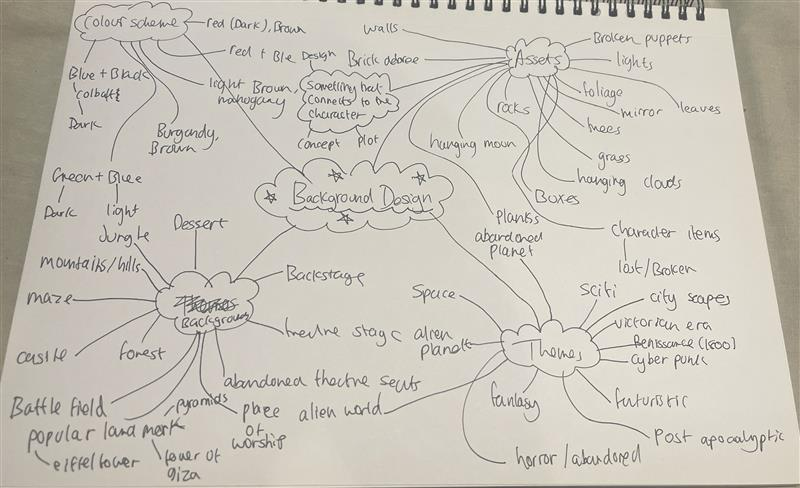
I thought that in the first lesson the project was introduced, it would be a good idea to explore the different pathways I could go into for the background design in my group. I explored thing like themes, colour schemes, assets and backgrounds. this helped me narrow down what I would like to incorporate in my backgrounds and what possible themes we could do for the background design.
NOTE AFTER FINALISING GAME IDEA*
I think that this mind map helped with the mood board I created on my PDF and also helped with generating an idea on what them, colour scheme and what types of assets we could develop for the game. We decided to go with fantasy and 19th-century Victorian era themes, which are themes I already had an idea of doing.
REASEARCH THEMES – MOOD BOARD
Theme 1 – forest
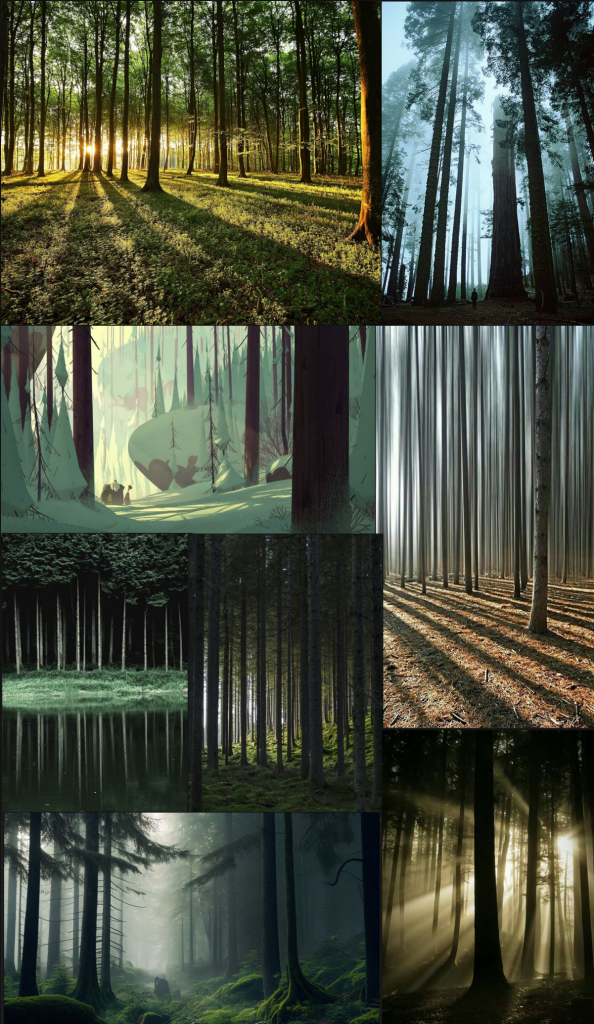
For the forest theme I want to go for trees that are long and dark. I think trees like this give off a more mysterious and mythical look to them which is what I want to go for. Because the character in the game would be escaping a forest theme with these types of trees would go well together as it puts you on edge.
Theme 2 – castle
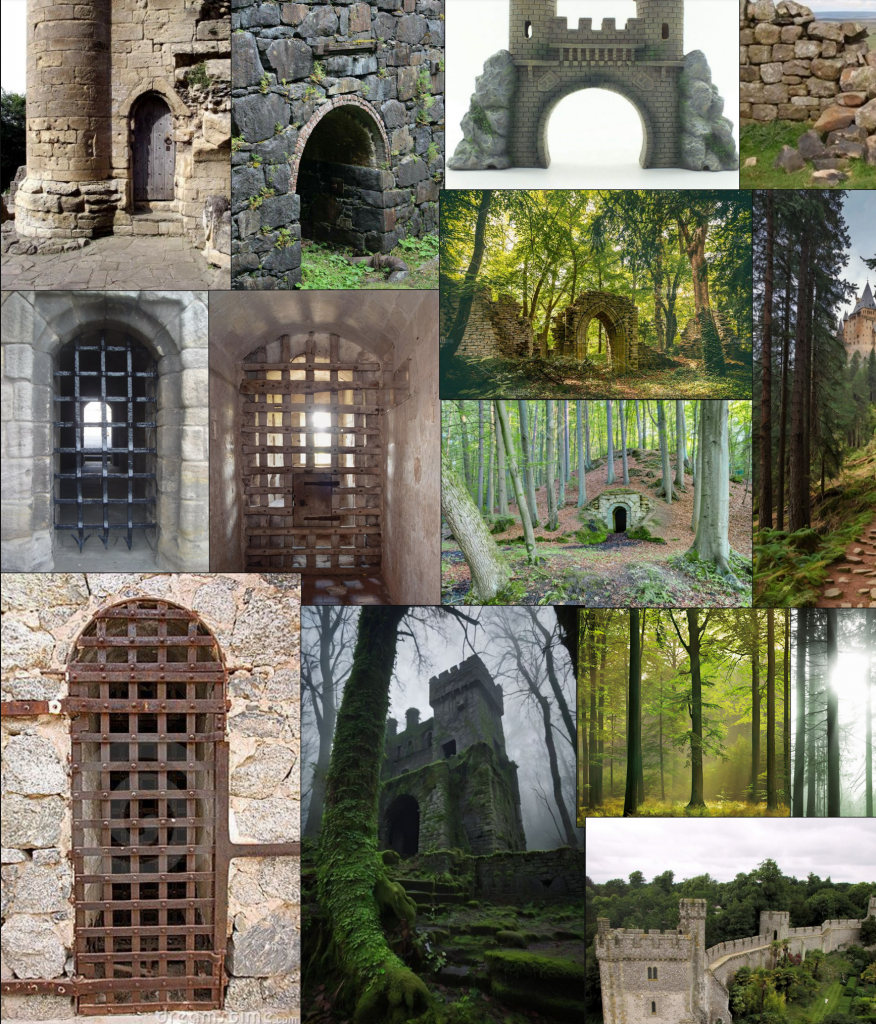
For the castle theme I wanted to go for something that had an old medieval look to it. so using things like a metal spiked gate and brick walls fits in with the theme I am going for. I also thought adding moss to the castle would give it the old look.
Theme 3 – backstage
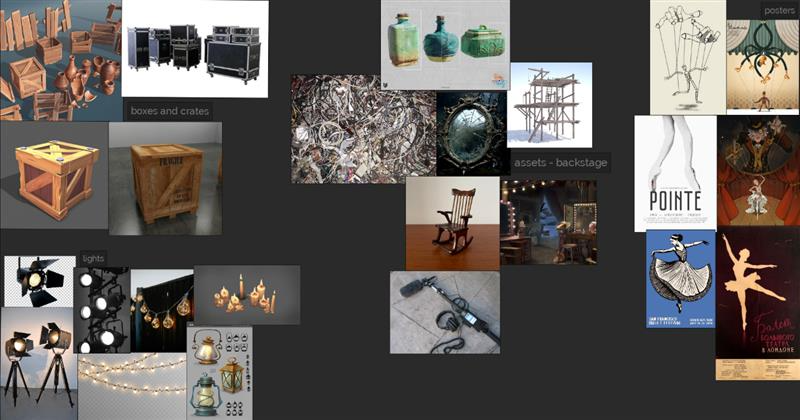
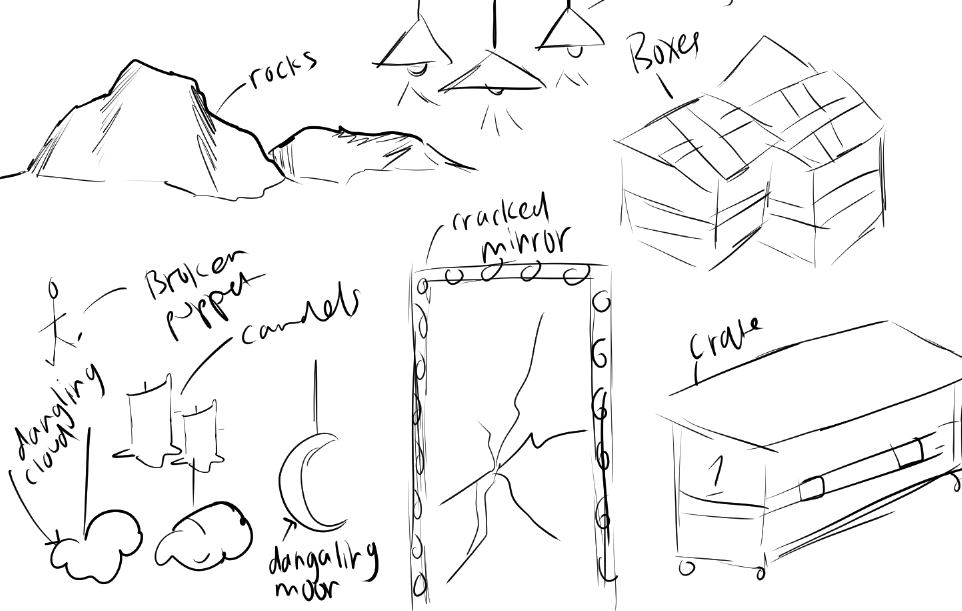
For the backstage theme, I took inspiration from movies that has background environments that were backstage themed such as Madagascar 3 and sing the movies. I asked my peers for some opinions on what I should add int the backstage background and things like boxes and crates as well as posters were brought up. I added these in because I felt as though they fit perfectly with the theme and looking at the background inspiration it also matches up to what that looked like.
Research – background design
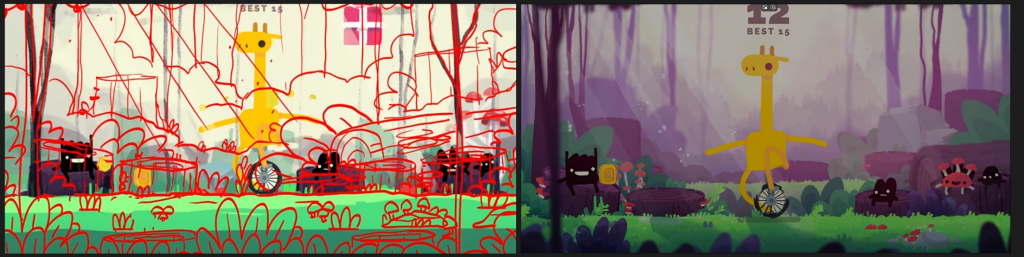
To research into background design inspiration and techniques I could apply to my design. I found a technique where they create a messy sketch and then create the final piece using that sketch and drawing over each of the assets in the background. I would like to use this technique as I think it would b easier for me to create the backgrounds doing this method.
Asset sketches
PROCESS – IN DETAIL
Techniques

Because some of the assets were collaborative, the art styles and colours/ brightness we would unconsciously use are different so, in order for the assets tat aren’t mine to match the ones that are slightly I used the Hue/saturation/luminosity tool to lower the luminosity of these assets helping the blend in better.
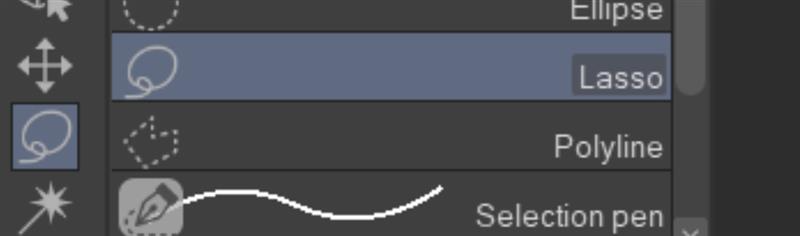
In the environments, I used the lasso tool to speed up the shadowing and highlighting process as I had to make a numerous amount of backgrounds with not much time so I needed to use a techniques that would help me speed up certain processes for he environments.
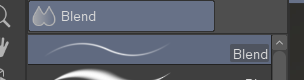
For all of my background I used the blend tool as I feel it given it a amore stylized look. It also helps blending colours that need to fade together. I most use it for highlighting and shadowing to make it not blocky.
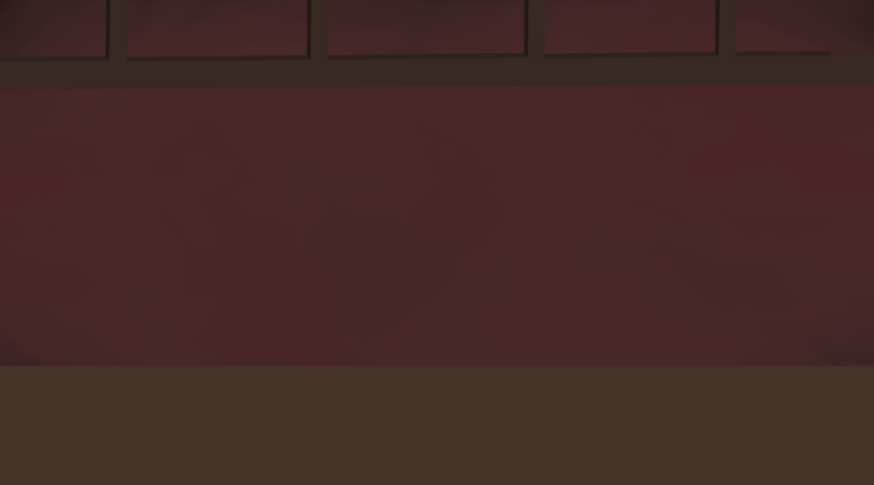
When starting my environments, I first start out with a colour blockout then move into adding more colour blockouts slowly building the environment.
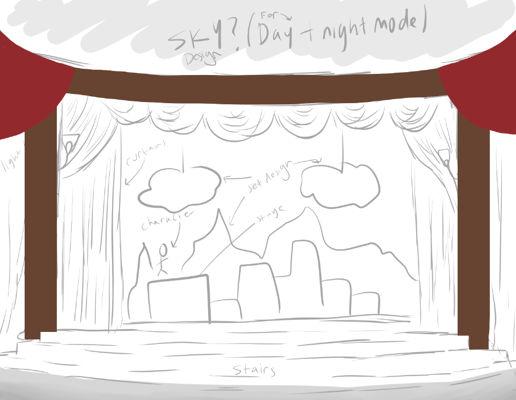
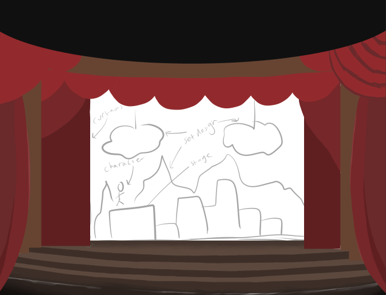
For the major design of the background that I will be using on 4 of the final pieces, I start off with blocked colours using my sketch as guidance. once major blockouts are done I began adding in small shadowing and highlights to the environment.
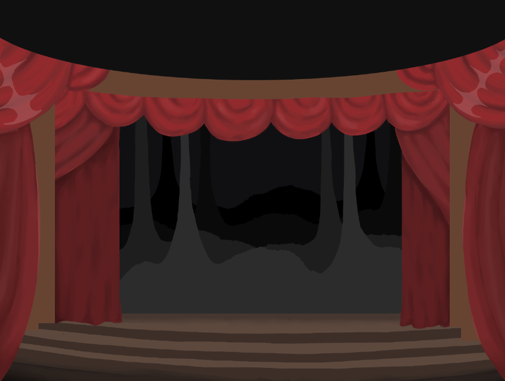
Once that is done I then insert each set design and began building that environment based off the set design.
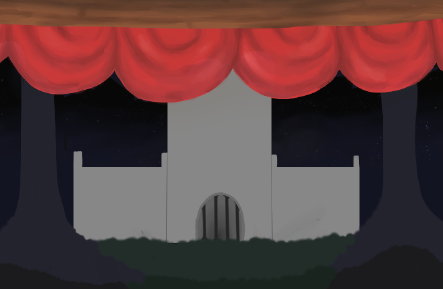
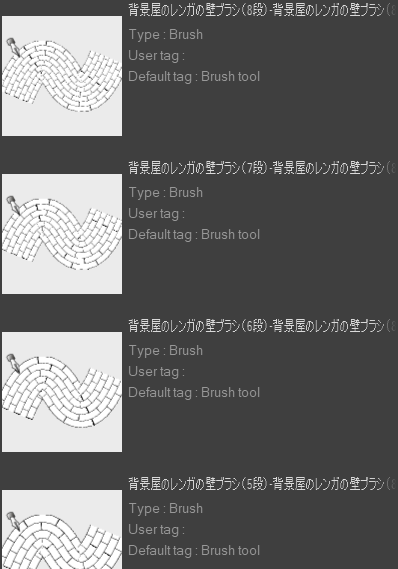
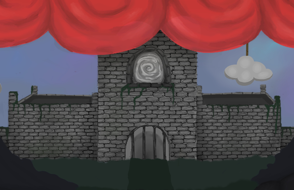
I downloaded a brick brush to speed up the process of the brick design on the castle. I would then began shading and highlighting where is necessary.
EXPERIMENTATION
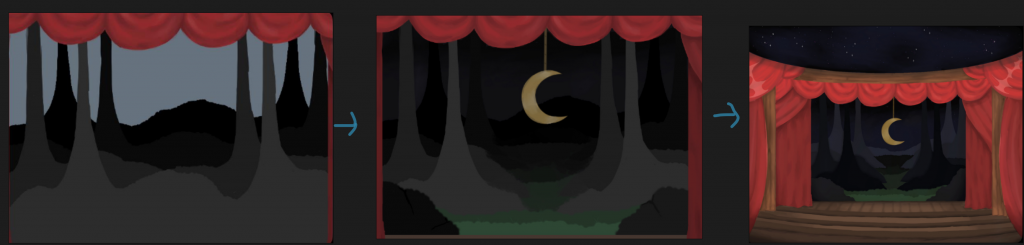
For the experimentation of the background design specially the forest theme, I started off with a design where it didn’t really make sense, for example there was no path so it didn’t really look like a forest. once I had fixed the path, I then realised the values of the trees were all wrong then once the values were fixed it all turned out good. It took 2 experiments with the positioning and colours for it to be finalised.
My 2D backgrounds with the 3D – game development
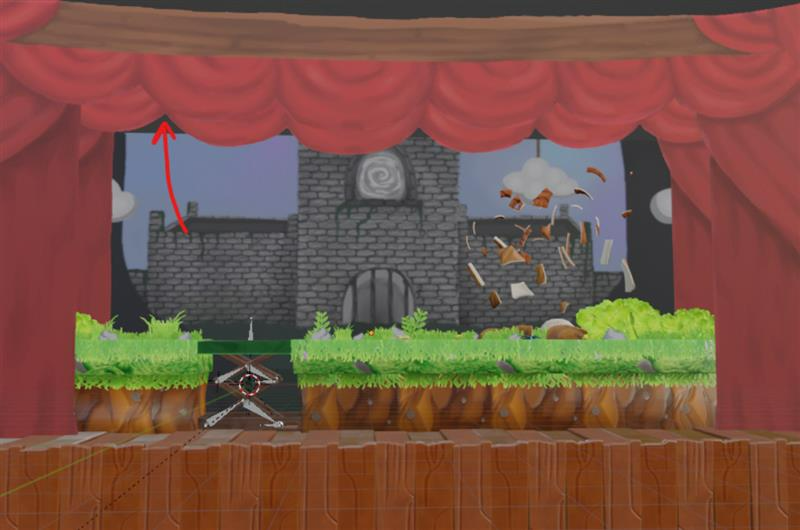
Because the corners of the background were showing underearth the 3D the top of the background needed to be extended to it could all fit.
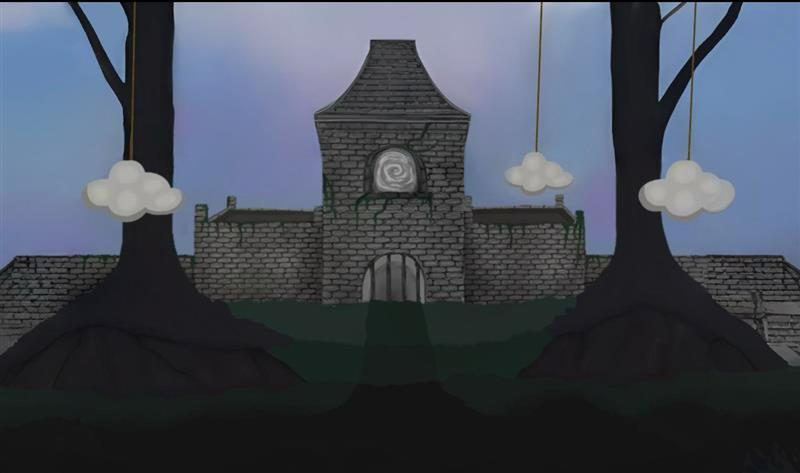
This is the extended background, so all of it could fit behind the game.
New techniques learned/used
to experiment with the concept designs, I decided to use different techniques to see if they would speed up the process or make certain aspects of the environment better than how I would usually do it.
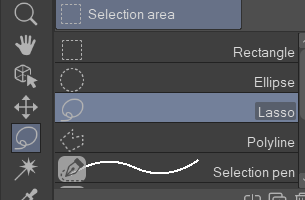
I experimented with the lasso tool, which sped up the shading and highlighting process of the environment.
File organisation
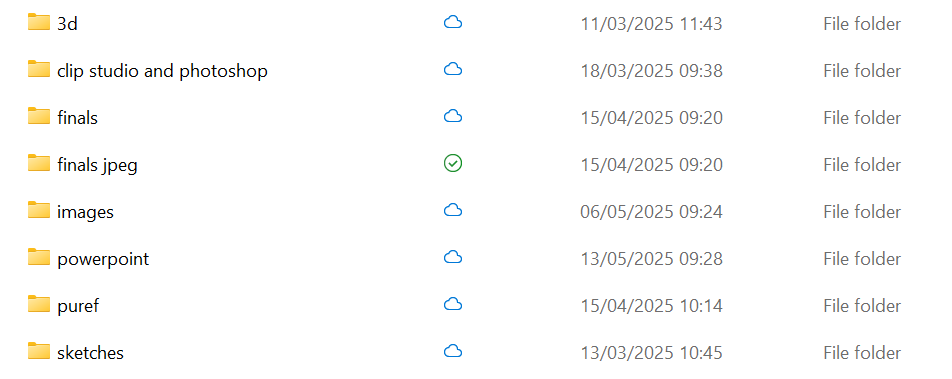
Layer organisation
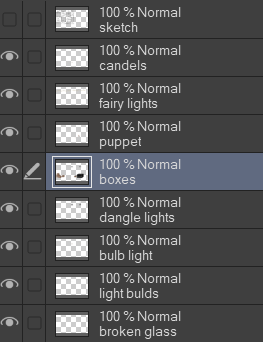
I like to keep all my files organised and named in order so I don’t get any mixed up or start developing on the wrong layer.
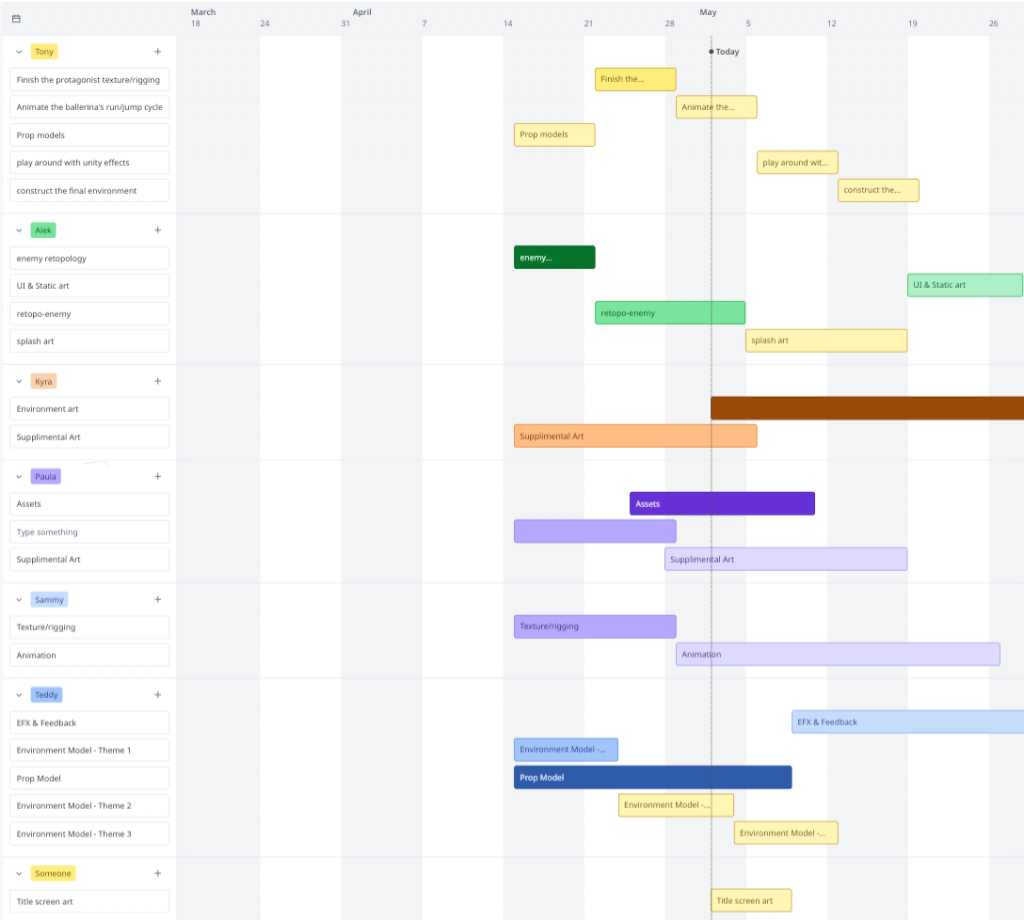
Gaant Chart – Miro
Leave a Reply