INTIAL SKETCHES – WEEK 1
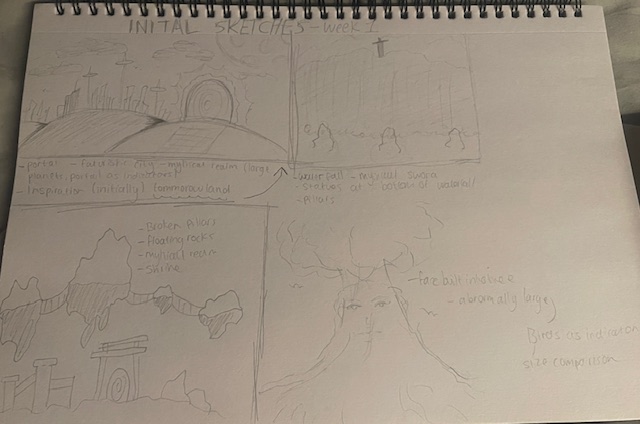
During the first lesson back as we looked over the new brief, I decided that right after I would create 4 quick sketches based off a not o detailed explanation of the brief. by then I had already sot of decided that 2D is what I wanted to do.
IN CLASS NOTES (01/10/24)
Visual Immersion – notes – Kyra Campbell
01/10/2024
Research methods:
Mind maps – environment theme
YouTube videos – watching videos about environment concept art to gain some ideas
Museum trips – looking for inspiration if I decide to focus my environment with the features of specific cultures for example an Aztec temple or a Japanese shrine
Sketches of environments I would like to take inspiration from
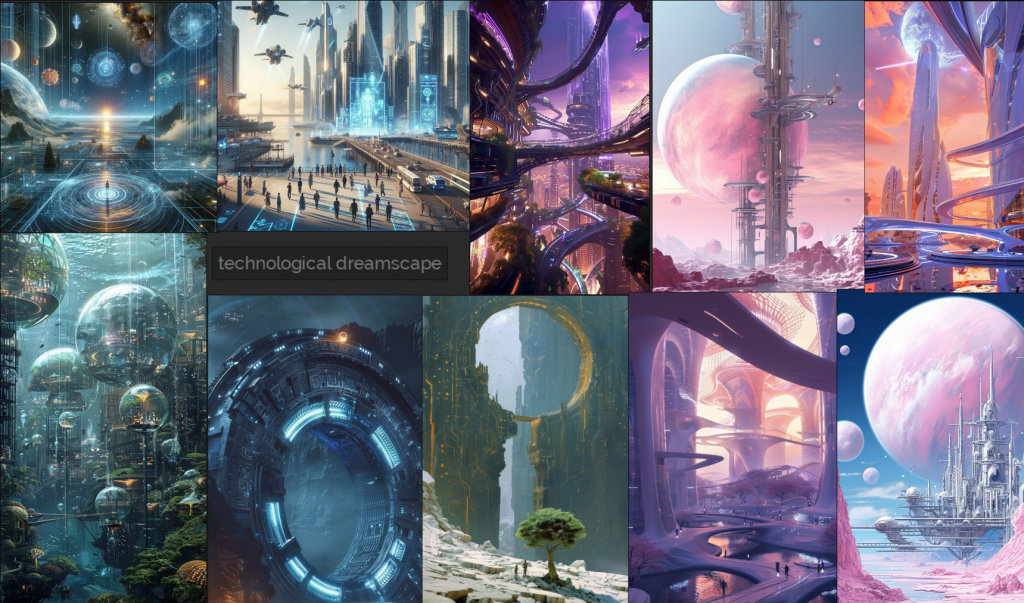
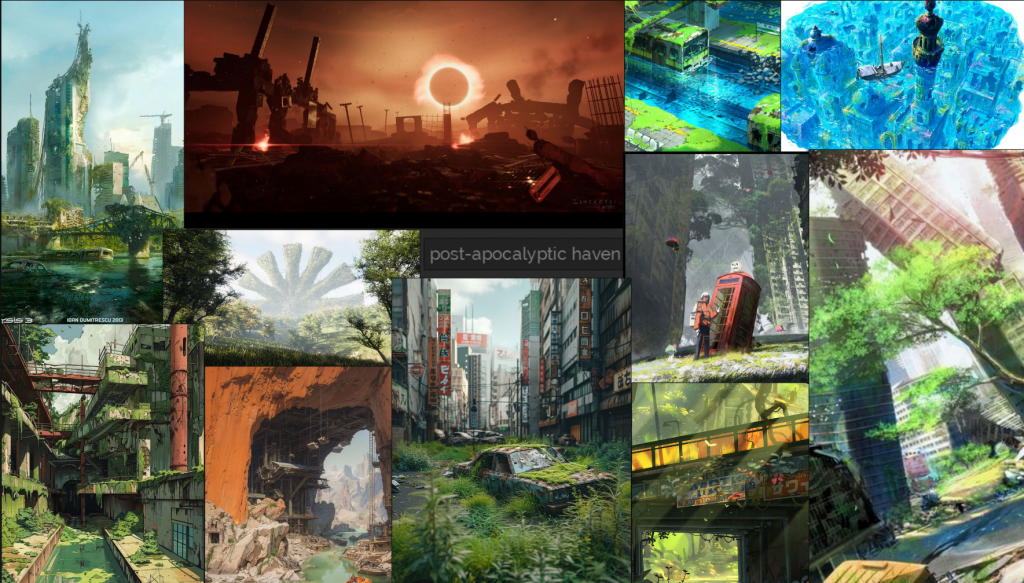
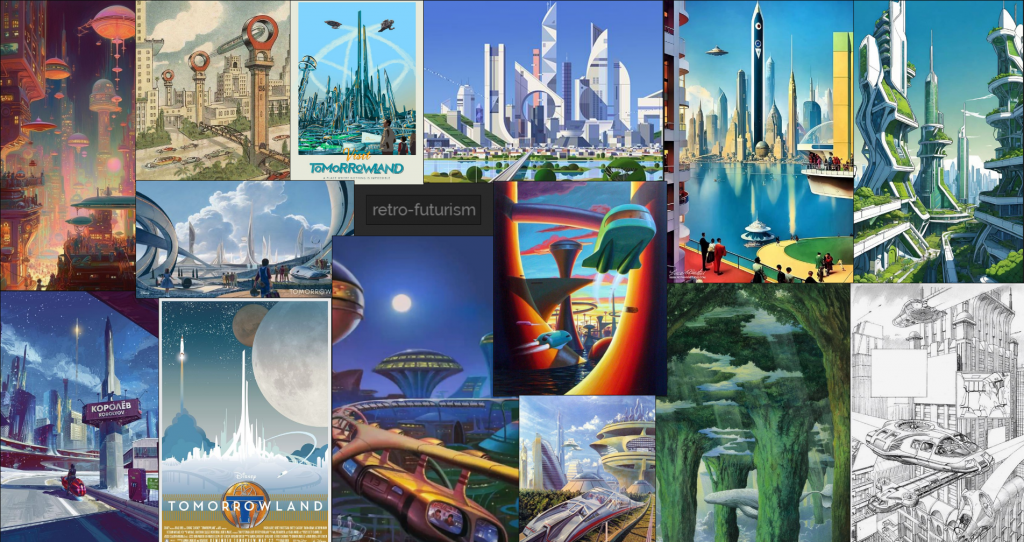
Mood boards – exploring different environment themes (myBlog) – mythical real, forgotten utopia , sci-fi corridor ,
Game environment study:
. Black Myth – Wukong
. legendary – game of heroes
. Ghost of Tsushima
. Ori and the will of the wisps
I did have an idea of including the legend of Zelda and Star Wars outlaws into my game environment study but after looking at their environment concept art, it wasn’t something I would take inspiration from, so I decided to leave those 2 out of my list of environment studies.
Artist study:
. hue teo – art station
. Florian Herold – art station
Features in an environment –
. abandoned buildings
. abandoned shrines
. places of worship???
. lakes/ still bodies of water with and object in the middle being the focus point
. a sword stuck in the ground
. greenery growing on abandoned buildings
. forgotten items of people
. magical bodies of water (glowing)
. magical rocks/crystal
. mountains/cliffs
As a part of my research and idea generation into one, I decided to have a look at a series of game environments I like the look of or the theme . I will also be explaining why I chose each game environment to look at and take inspiration from. I will be using puref to help build up mood boards for each one.
THEMES – MOOD BOARDS
TECHNOLOGICAL DREAMSCAPE
POST-APOCALYPTIC HAVEN
RETRO FUTURISM
ENVIROMENT ASSETS
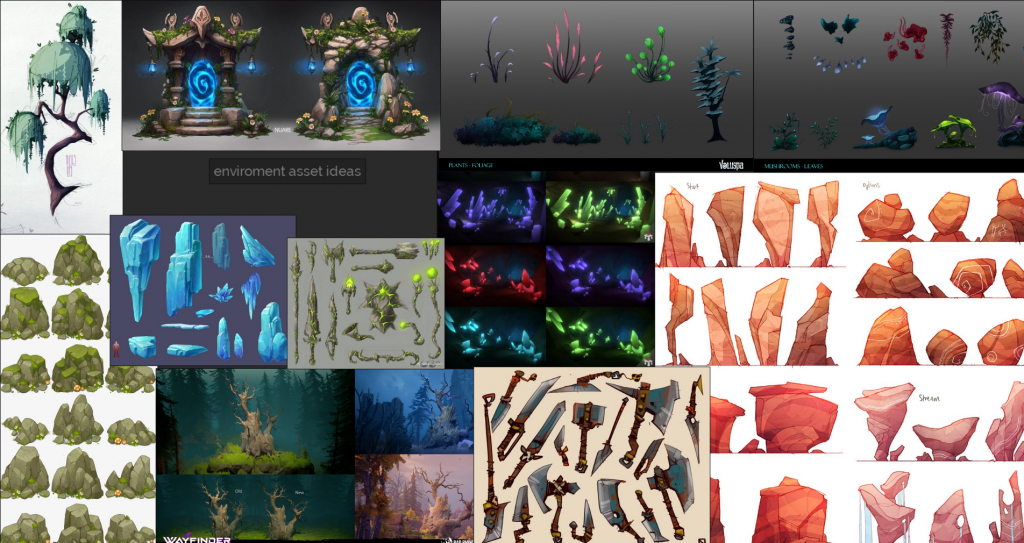
Visual References – mood board
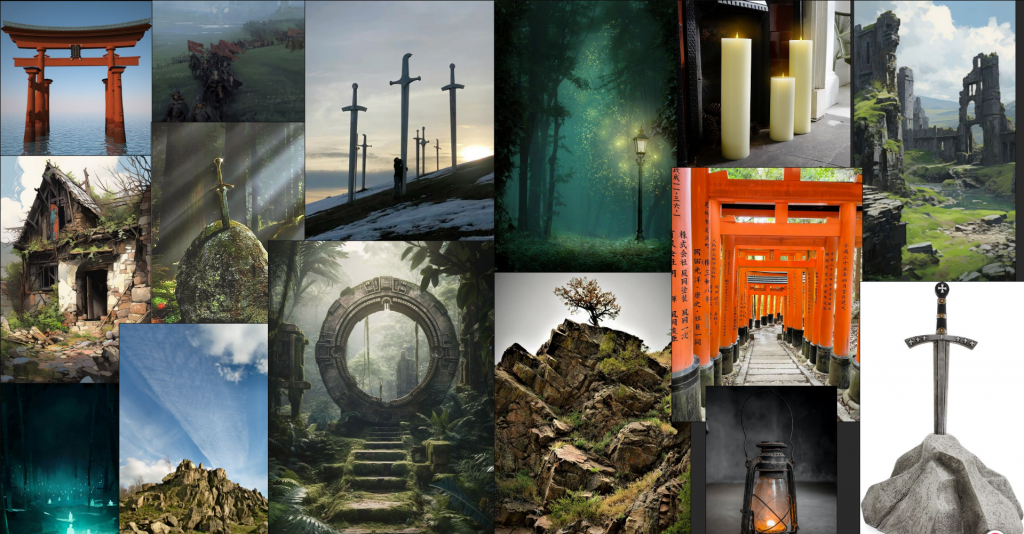
To get a better idea visually on what I want my environment to look like, i decided to create a visual mood bard of ideas.
Black Myth – Wukong
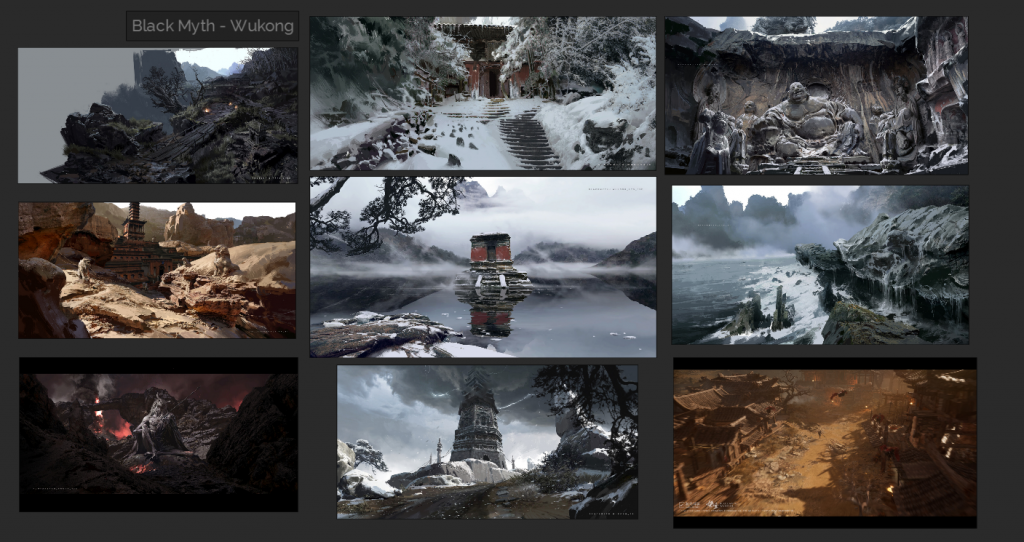
What I like about the environment of this game is the way it is shows in the concept art . I really like the way you can see the brush strokes which makes it different from the other environment concept art I have seen . I would really like the apply the brush stroke technique seen here into my final immersive environment piece.
GHOST OF TSUSHIMA
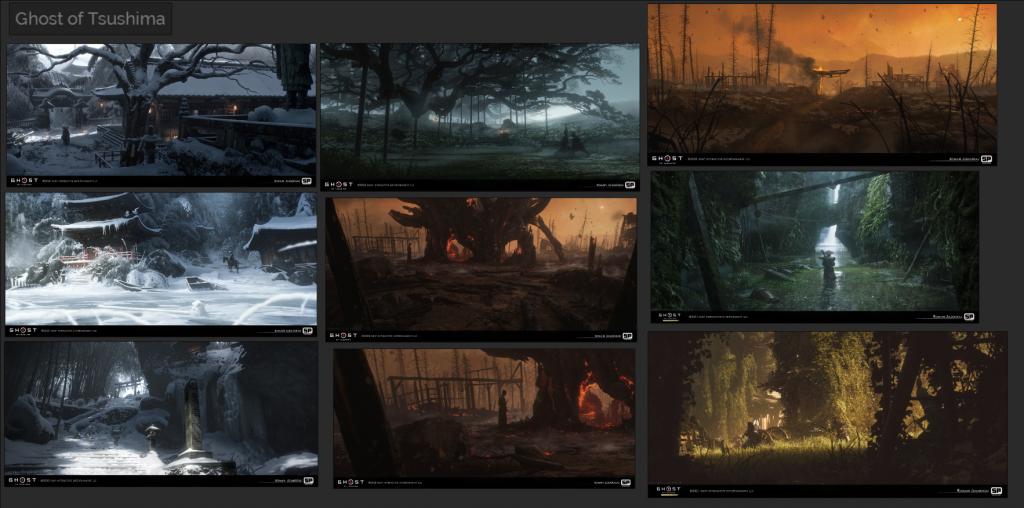
In this game I really like how it shows a lot of abandoned environments and even though they look worn down and isolated, it looks so aesthetically pleasing to look at. This game is mostly known for its beautiful environments which is why if i decided to go for an immersive environment that is abandoned for example an abandoned utopia, I could use the environment concept art from this game as inspiration.
LEGENDARY – GAME OF HEROS
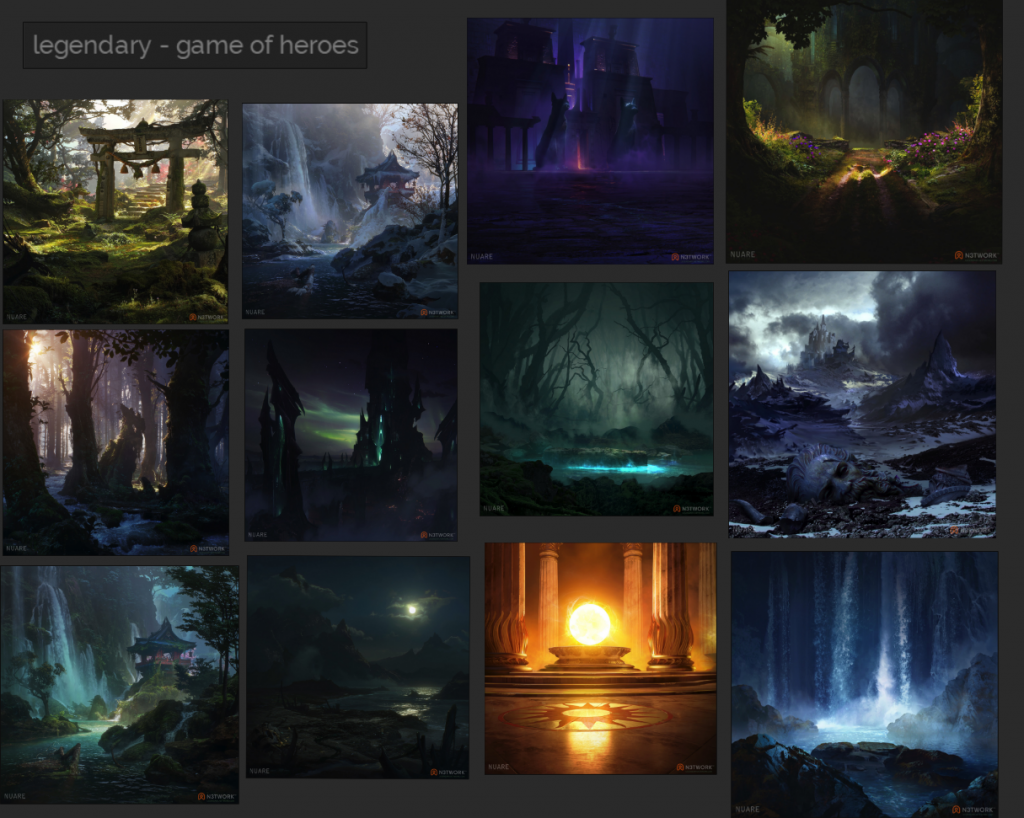
With this games environments I don’t just like the art style or the colours used which I’ve mentioned in all the other games I had looked at, what I like about this game and the environment concept art, is the similar vibe each give off. I really like the eerie, gloomy and mysterious vibe. after coming up with a few ideas for my final immersive piece, one of them was so that my environment gives off a gloomy abandoned vibe hence why I picked one of my themes to be forgotten utopia.
ORI THE WILL OF THE WISPS
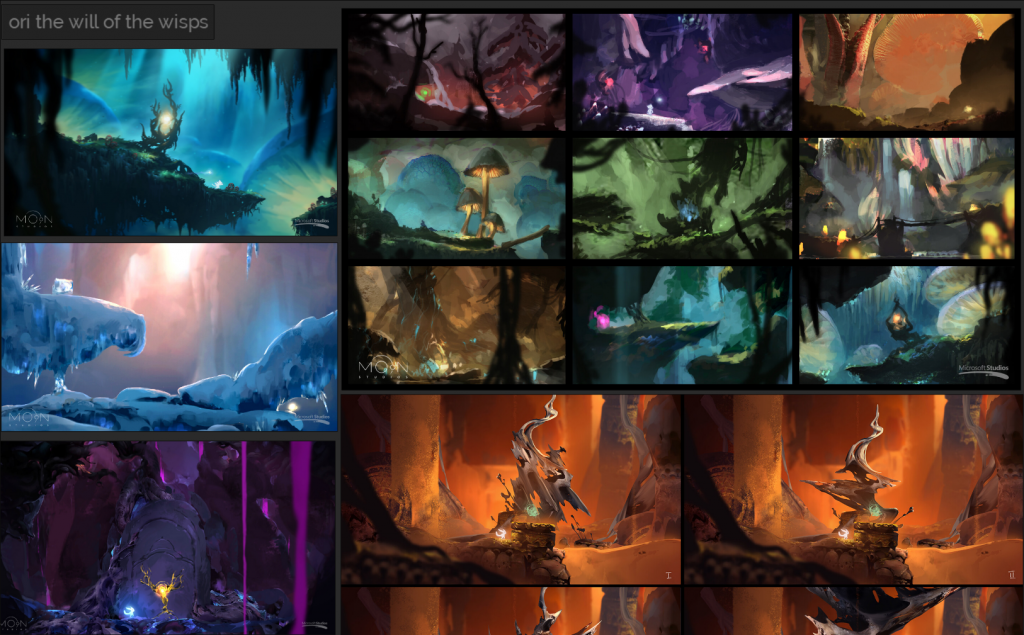
What I like about this game and the concept environment art is mainly the colours used in it . I find that there colour schemes in each piece are so unique compared to other games and the art style also adds to it making it a one of a kind environment . I would like to apply the ranges of vibrant colours used in ori the will of the wisps environment art into my own as I would really like my environment to be as eye catching as this.
Final decision
sketch 1
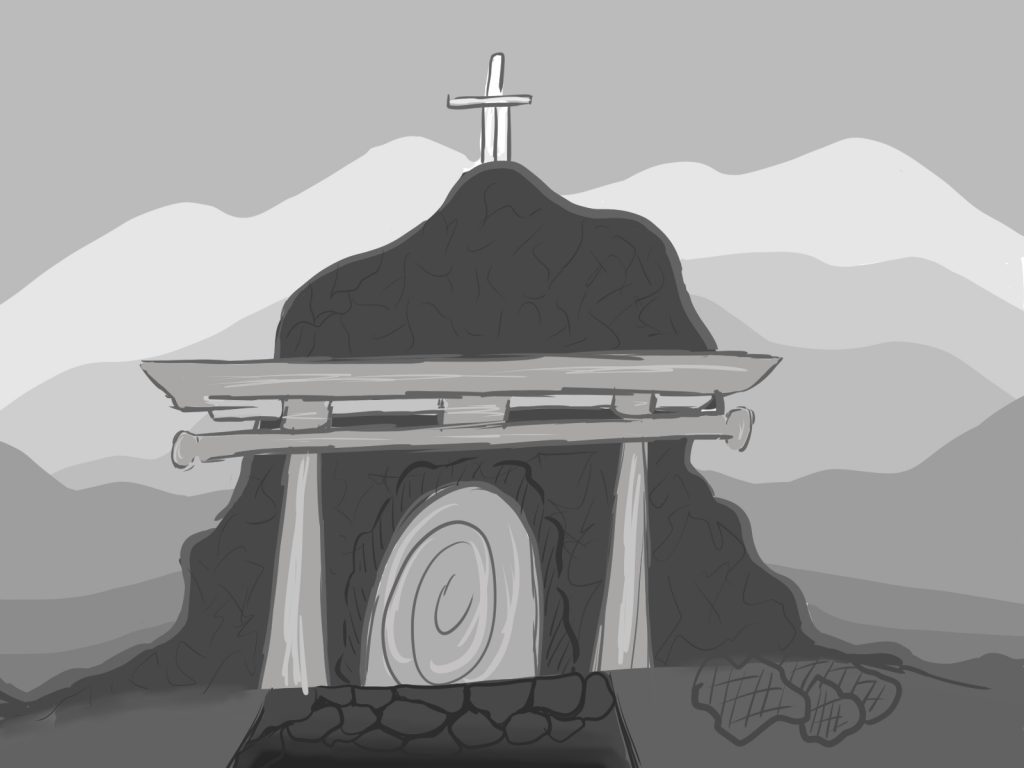
sketch 2
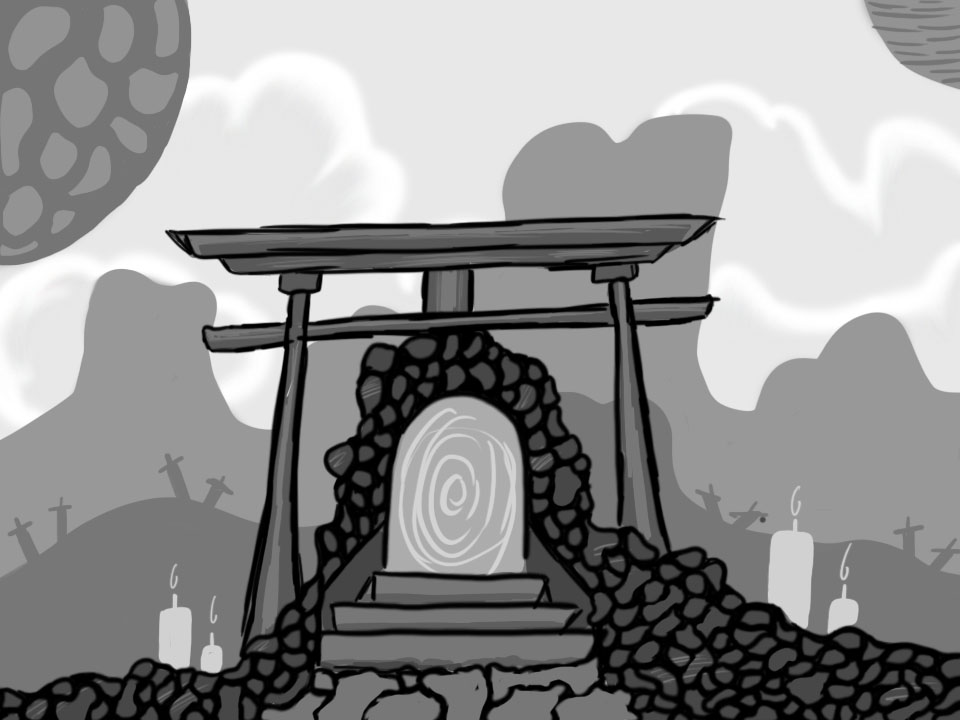
After careful consideration, I decided that I would choose sketch 2 over sketch 1 to further because I just liked the outcome of this sketch compared to the other . I also thought that all the assets in the 2nd sketch made more sense than the first. as my first sketch was just my initial idea I had made in week 1/2 I didn’t think that it would of been my final one so you could say the 2nd sketch is a more advanced version of the first one as its a lot more detailed and thought through.
PERSPECTIVE VIEWS/PLAN
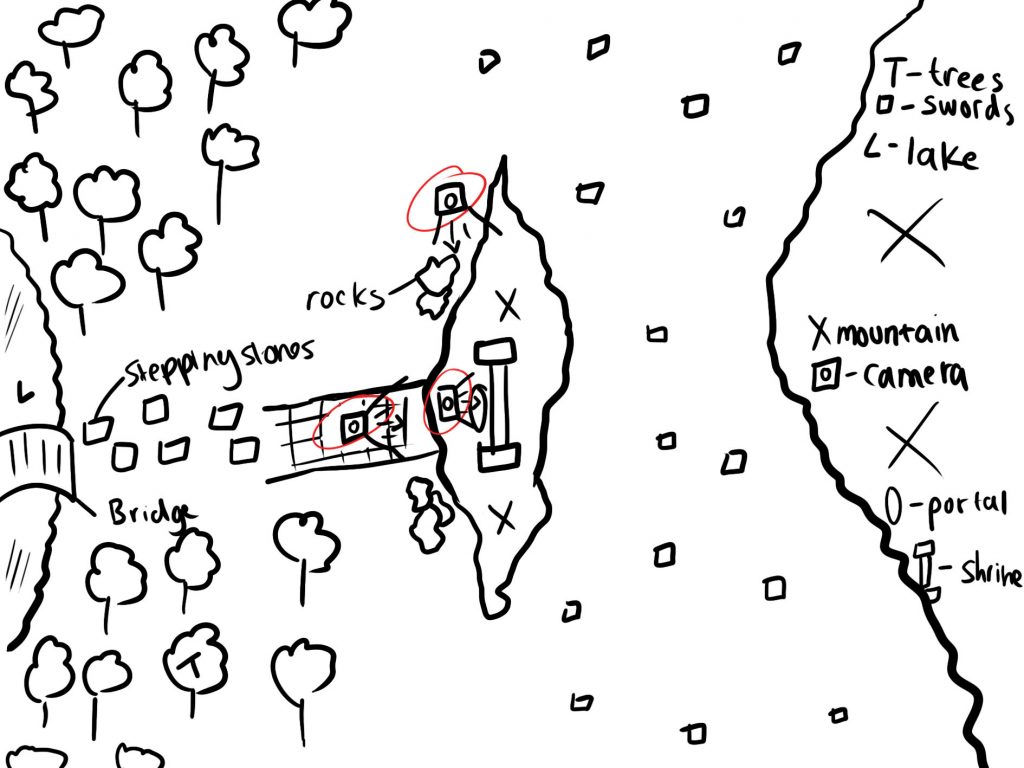
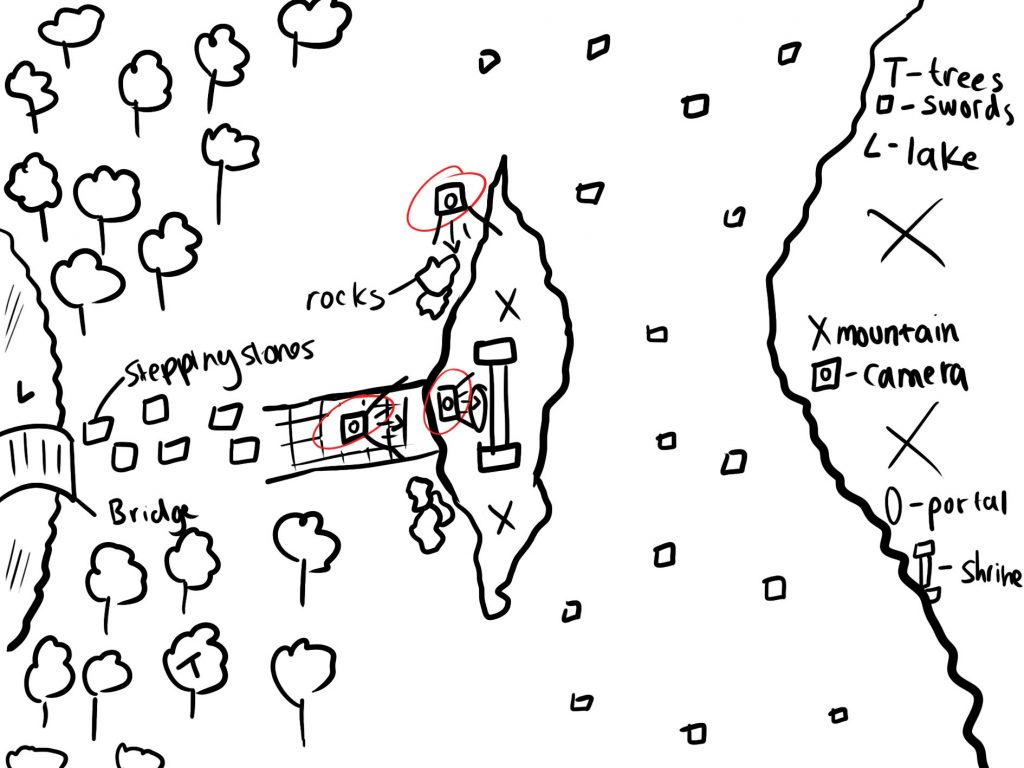
for my final 3 views of my immersive environment, I have decided to go with a front view ( which has the background, the focus point and others in it – this will be the main view), a side view and a close up of the portal and shrine to capture the detail of the items. in class I had made a plan of what my environment would look like on a bigger scale and I also places ‘cameras’ to show where my views will be and where they will be pointing . I have inserted an image below showing my environment plan.
ASSET REASERCH
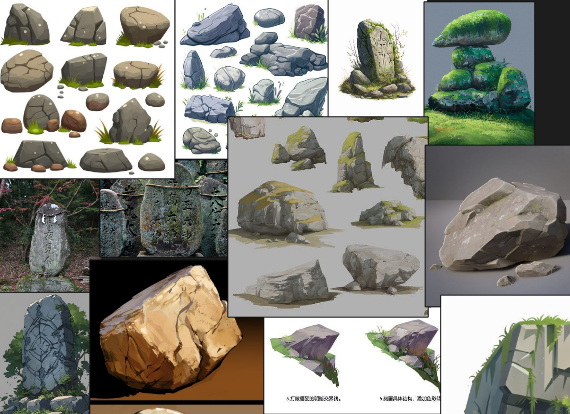
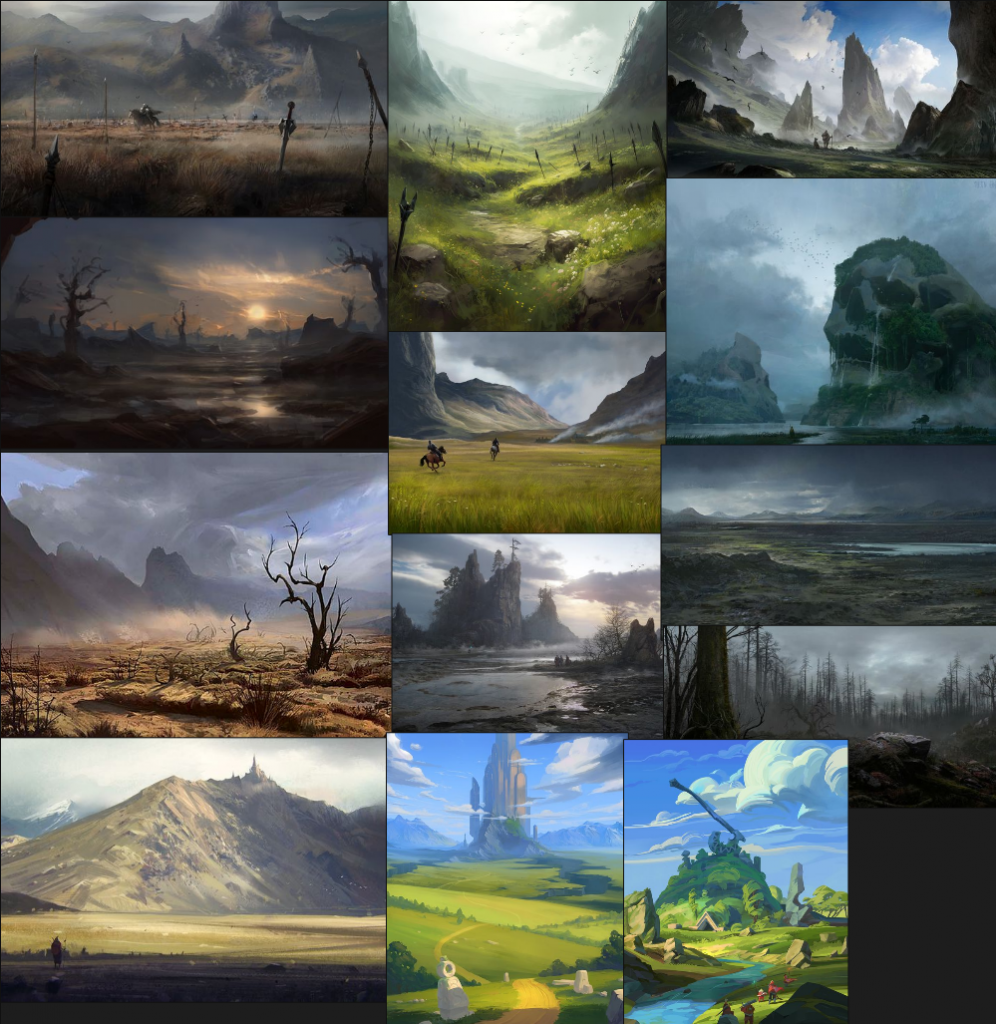
Different type of rocks
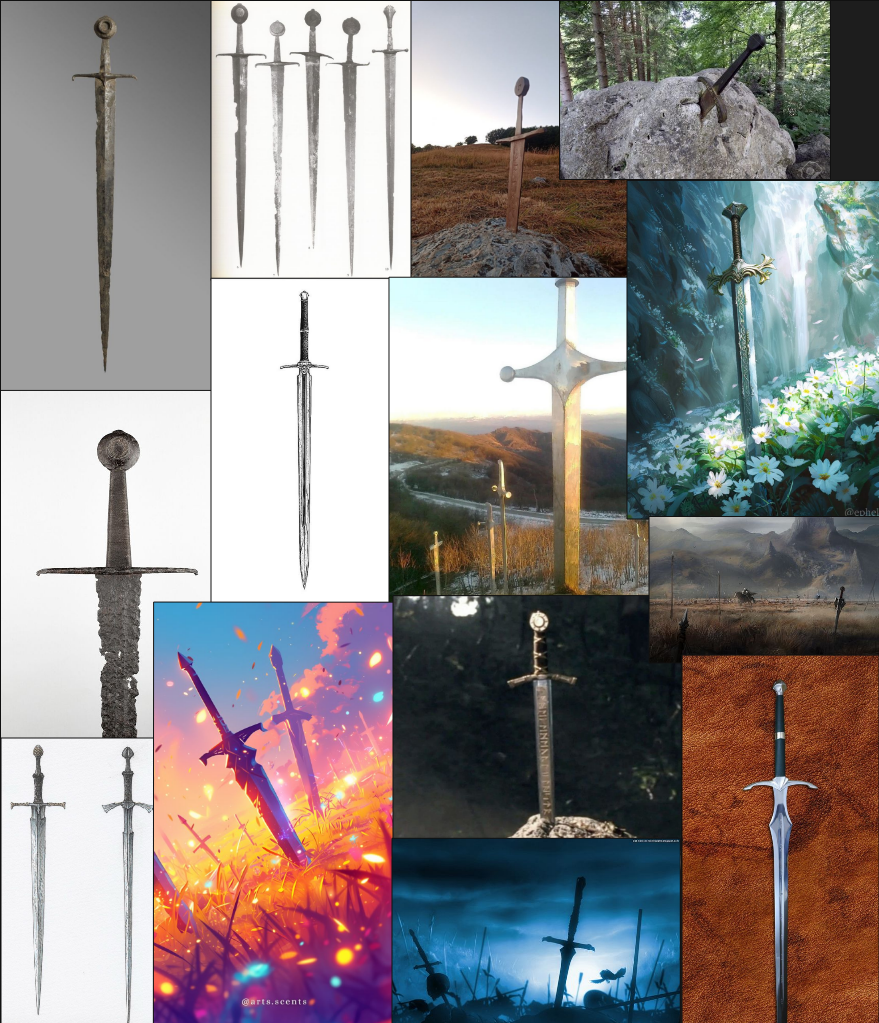
Swords
Landscape
Portal
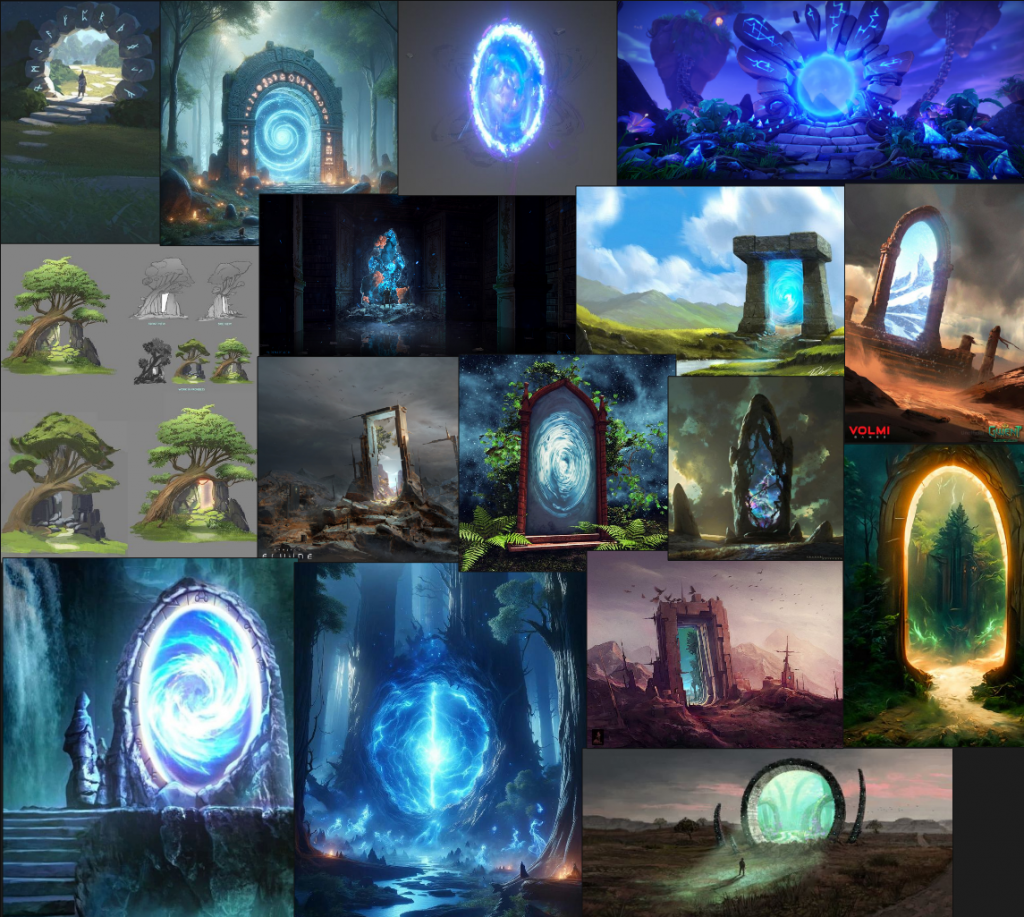
I decided for my further asset research, that it would be a good idea to do some mood boards as will visually get a better idea on what I specifically want my assets to look like or what I would like to take inspiration from . for all of my main assets, I did a mood board for them.
PERSPECTIVE SKETCHES
looking at my environment plan that can be seen below i produce a series of 3 thumbnails/iterations of the perspectives i will be having each 3 of my pieces in.
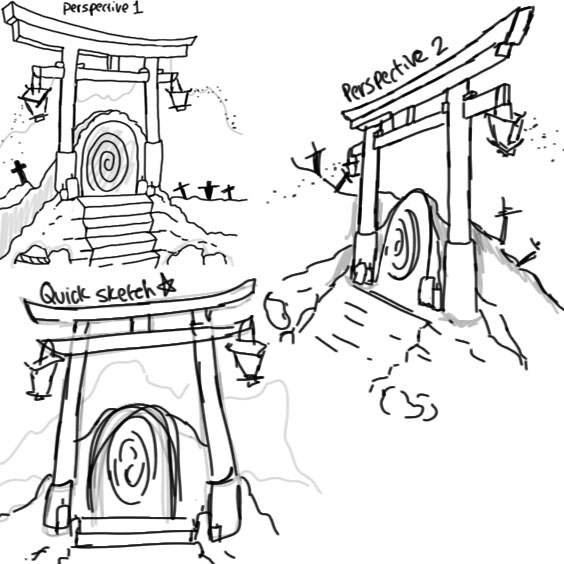
These were just some initial perspective sketches I had done during lesson. But, looking at my environment plan and these sketches I have done they don’t quite add up so I will b redoing them again as final thumbnails.
ALL PAINT OVERS
These paint over were done using 3d as the backing to paint over
new perspective 4
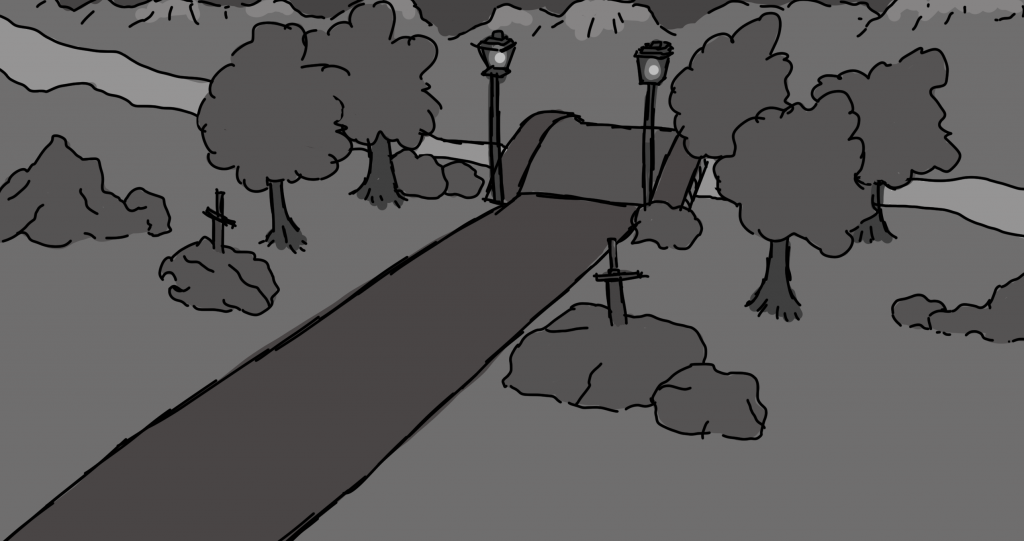
This paint over I did using my 3D model as a backing to draw over. this helped me get a better perspective for my final version of this perspective. I also used a range of different grey scale colours ( dark grey, light grey and normal grey) these helped me get a better idea on where the shadow and highlight on the environment would go and it also just makes the paint over look better overall.
perspective 3
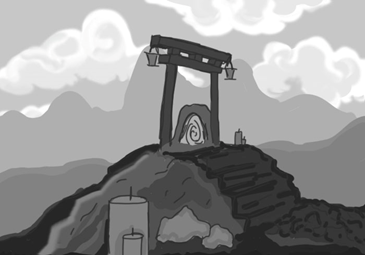
This paint over I did for one of my thumbnail sketches. I firstly started out by doing a 3d model first and moving the camera around to get a good perspective and went on from there. i will most likely use this paint over to continue on for my final version of this perspective
thumbnail paint over
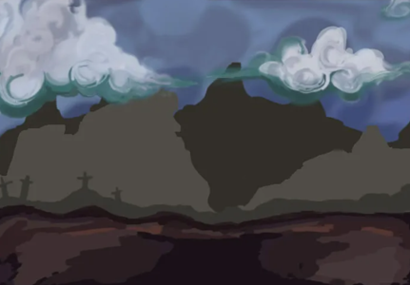
This was a coloured paint over using one of my sketches as a backing instead of a 3D model . you can tell this because the environment doesn’t have nay perspective angles. I did this solely to find a good colour pallet that will work for bath the background, midground and foreground.
ARTSYLES – 2D AND 3D
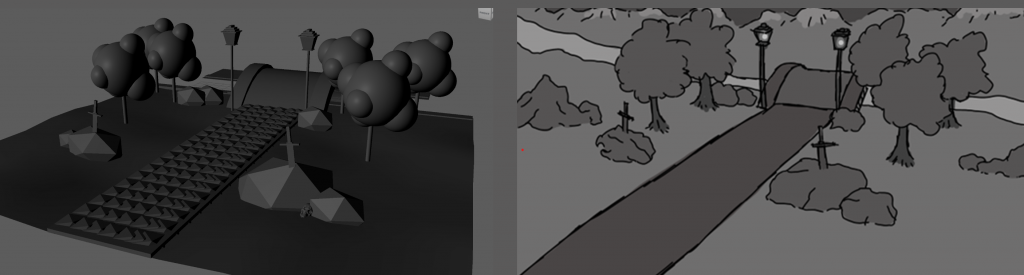
I decided to do my 3D paint overs in a completely different art style solely with time management in mind. I created them just so I had the basic things like positioning of certain assets and the perspective all in check . I wasn’t planning on spending too much time in 3D as I wanted to use most of my time on the 2D as that is what I needed to focus on. so things like the trees and the rock look very different when you compare them both.
layer organisation
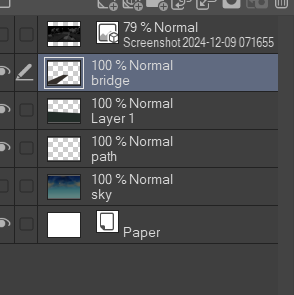
Tests – brushes
I decided that I would do some sketch test to decide which brush would be suitable to use in my final immersive environment. I am also taking into consideration the fact that I decided to choose the 2 games as game studies mainly because of their art style and I did say that I would like to use some of the techniques they use in the concept art. and to achieve this I will need to do some test with different brushes to find some that are similar.
Adobe colour wheel
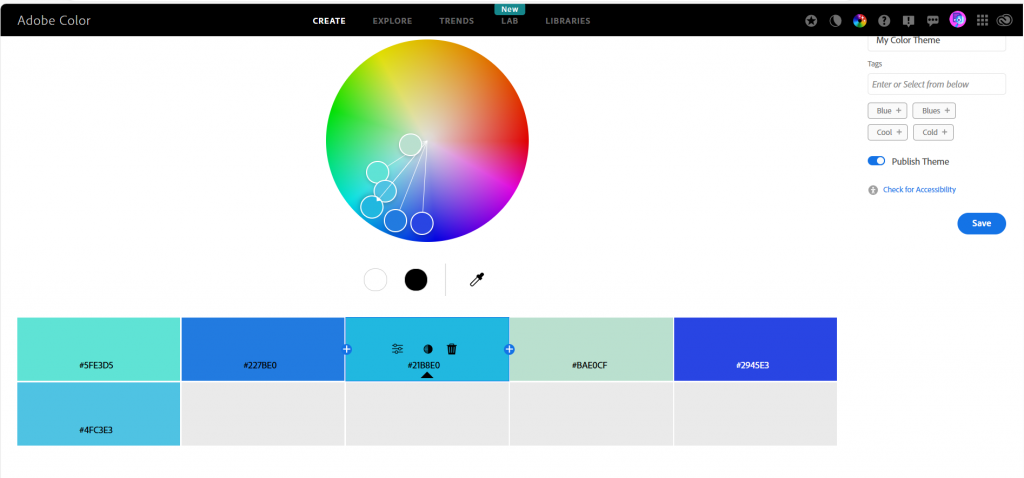
To get a chosen colour pallet for either my coloured thumbnail sketches or my final piece I used adobe colour wheel. I feel like using this allowed me to get an exact colour I was looking for in my environment.
SKY – TESTS
I decided to do a few test on how I want my sky to look in my final environment. the first one I did was early on in this project and the second one is the finalised/ still progressing sky.
test 1
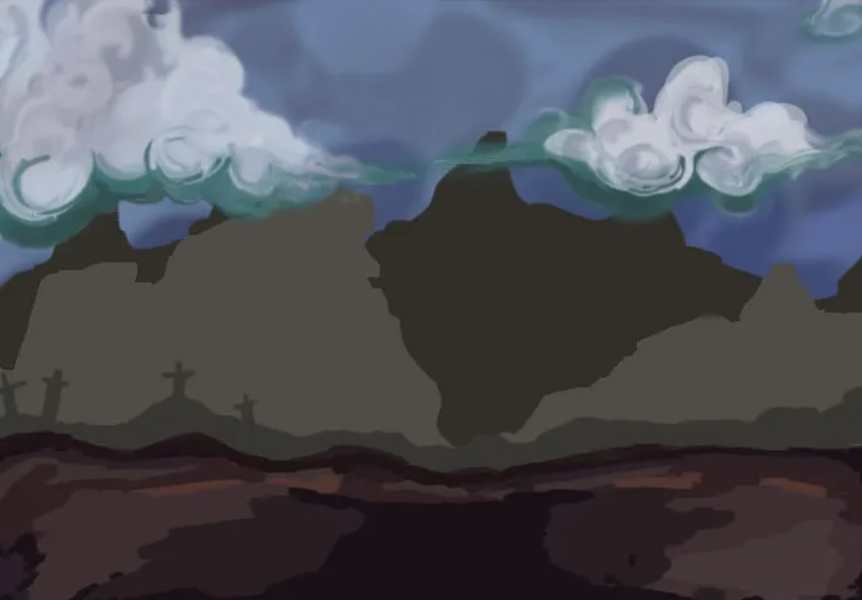
test 2
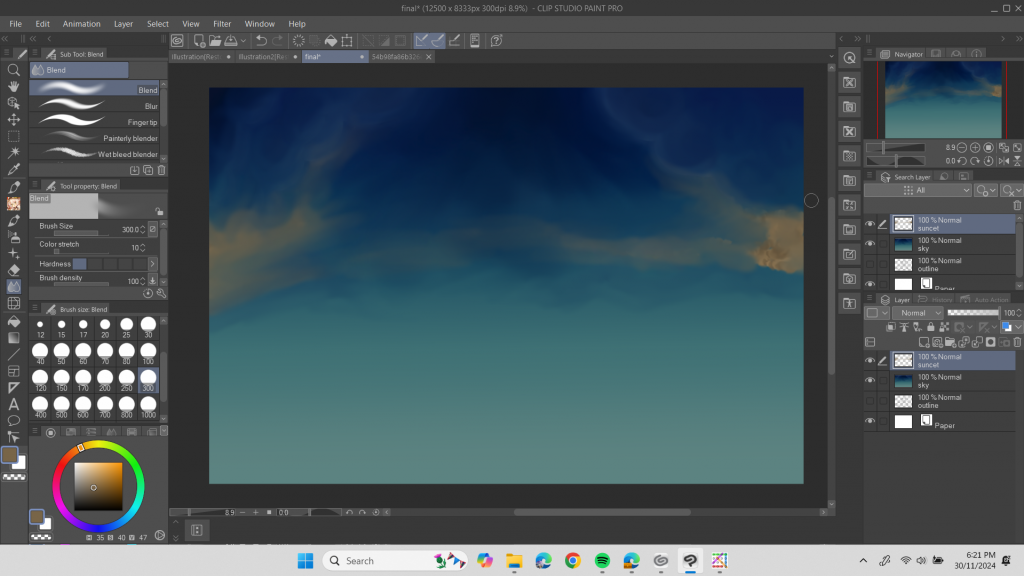
Foreground test
The first test on the foreground I did was also from the first sky test I did and the most recent test I have done which will most likely be the finalised foreground base is the one for my final immersive environment.
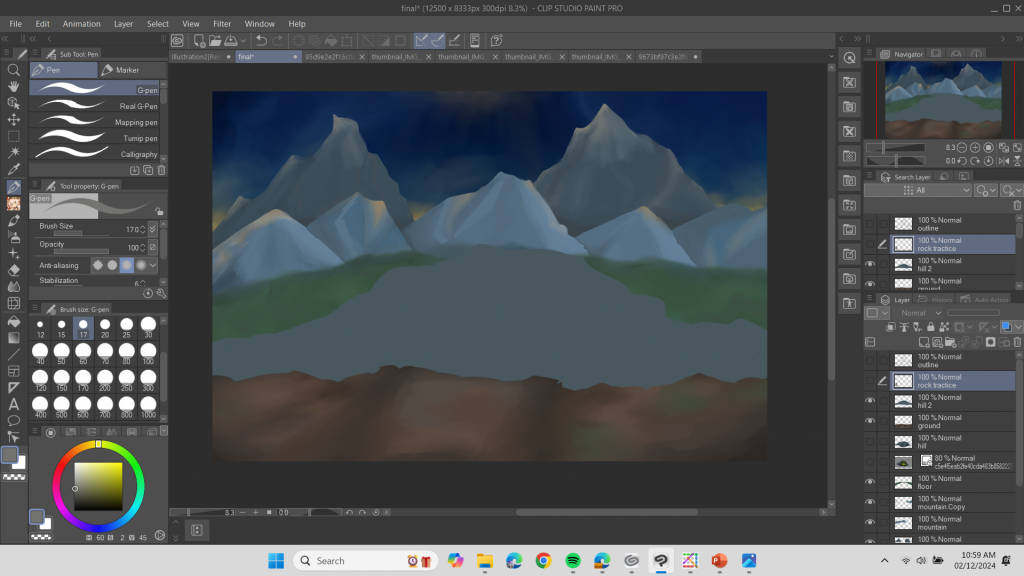
PROCESS – MORE DETAIL
I decided to use a much darker sky as inspiration/reference as I plan on adding a glow in my environment ( coming from one of my assets – lamp, portal) and for the glow to be visible ad eye-catching it would need to be darker, so it stands out.
Changed narrative- how?/why?
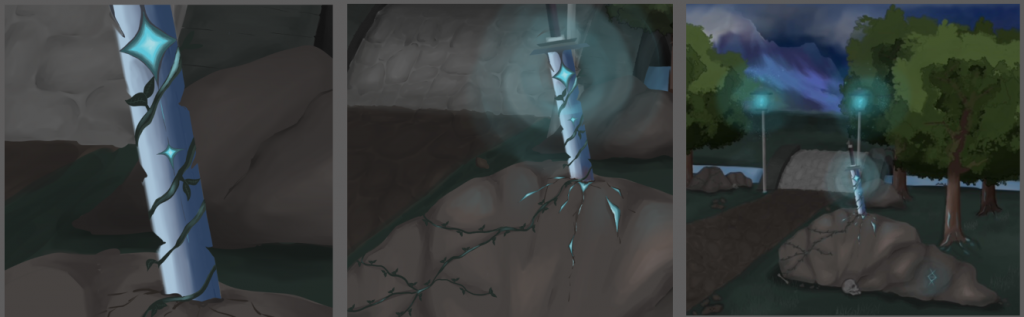
I decided to change my narrative as it would build up more mystery in my environment I also thought that because I wanted to include a glow effect I could further this idea into it being a part of my environment.
Comparison – artist vs mine
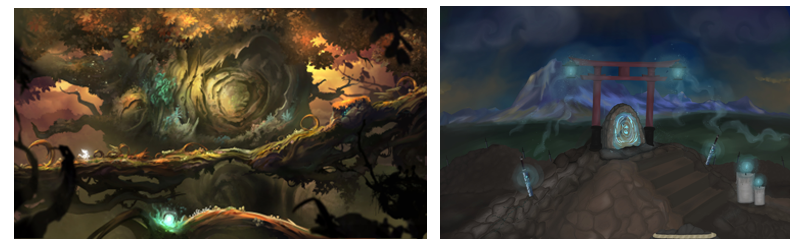
To compare my artist research and one of my game study’s concept environment art to my own final immersive piece, I would say I was able to successfully use this inspiration well and it really helped with the final outcome of my environment. I really like how the use of bright neon colours are similar in both the inspiration piece and my own as that is what I wanted to achieve the most where the colour pallet and the overall lighting of the piece.
I also used this game/ artist as a lighting study as I wanted my final pieces to have the same if not similar gloomy lighting with a hint of neon lighting. I also thought that using this as inspiration would make sense as I intended to have a glow featured in my piece so it would make sense for the glow to stand out and the rest of the environment have a gloomy lighting effect.
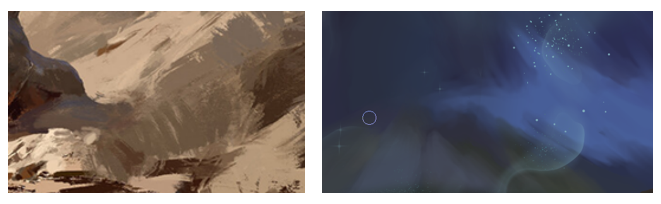
To compare black myth wukong environment concept art to mine, I would say I would able to successfully use the brush stroke technique they use in a lot of their official concept arts. if you look at the images in comparison you can see that the stroke marks are visible in both and I am happy about this as this is what I was intending to do.
Industry standard techniques – using different brushes
Throughout my 3 final pieces, I used a range of brushes to create my final outcome. A lot of the brushes I used where downloaded as what I needed them for were for specific assets in mind environment. For example, I use the brush that made rock like lines. This really helps me create things such as the path and the hill. Using this brush I also created cracks in the rocks to get that even more realistic affect. Besides from that downloaded brush, I used the G- pen brush which I use in most of my art pieces . This is a brush that helped me get smooth lines.
Animation research
For my animation I want to go for something that is hand drawn and not just an effect put over my environment therefore after careful research and watching different environment animations, I found that doing a hand drawn animation would fit my environment better . I also found that most environment animations are mostly hand drawn so I thought it would be best to go with this . I also thought that animating my environment on a software such as after effect would really fit it as the animations they offer just wouldn’t look right on my animation.
As the animations we were asked to do are only simple ones I didn’t do too much research into it as it would be very time consuming . therefore I just did some basic research on what the majority of people use to animate environments and how they do it and I found that most of the time they are hand drawn and after careful consideration I felt like this option was the best for my environments.
Experiments – saving different versions


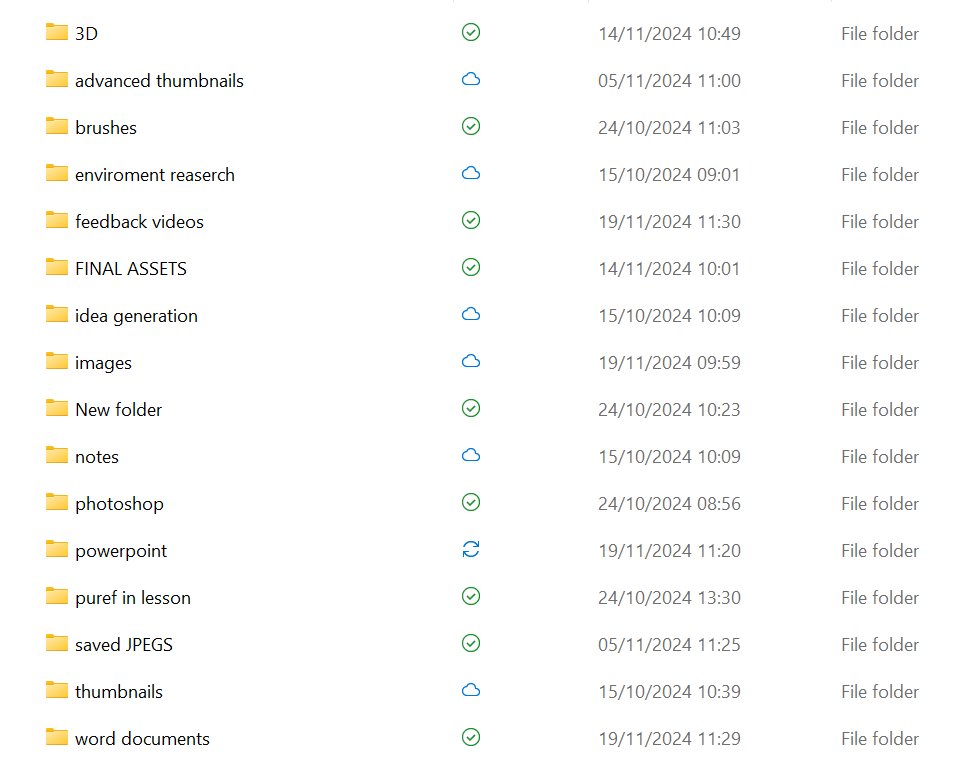
I decided that I would save different versions of my piece ( PDF, JPEG CLIP STUDIO FORMAT) in case something had gone wrong and I didn’t back up my work. organising them like this made things a lot easier to find.
WORKSHOPS
Photo bashing – how I applied it to my work
In lesson we have many workshops that would help us with the process of creating our final pieces. The workshop I found the most helpful was photo bashing. This allowed me to get a whole different perspective unlock my piece could look like. Combining different environments and making one really helped me widen my ideas for my environments. It also made me realise that it wouldn’t be odd if I decided to add in things like a much larger asset next to a smaller asset which is why I decided that I would exaggerate the sizes of my assets gained why environment to make un-ordinary as that is what I intend to do. You can see this in my final 3 images despite looking at things such as the mountings or the candles.
Exploring mediums
during the process of this project I explore a variety of mediums that help me get to my final 3 outcomes. I found it really helpful to start off with on paper sketches in the first week while in lesson as I could generate my ideas quickly doing that. after doing the sketches I would then develop them into further sketches with the help of mind maps and mood boards . I would then move onto digital sketches to further them even more but by this point I would have a clear idea as to what I wanted to create. to get a better idea of perspective and positioning, I then went onto to 3D paint over which helped my finalise my final outcomes making them even better.
PROCESS OF EXHIBITION

For the process of my exhibition I firstly started out making each of my images 300dpi.
Once they were finished I then save 2 copies of them one as a PDF and the other as a JPEG ready for printing
File management

Leave a Reply